







Description
Download Infinity Web Browser APK – Android Browser, Fast Browser, Multi-Language Support, Google Translate, Secure Browser, Download Manager, Password Manager, Tabbed Browsing, Voice Search, Voice to Text, YouTube Support, MP3 MP4 Support, Mobile Browser
Overview
Infinity Web Browser is a mobile browser designed for Android devices, aiming to deliver a fast and feature-rich browsing experience. It targets users seeking a lightweight yet capable alternative to mainstream browsers, particularly those who value speed, multi-language functionality, and integrated tools like password management and download handling. The software positions itself as a secure and efficient solution for everyday web navigation on smartphones and tablets.
It is designed for both casual users and professionals who rely on mobile access to information, content creation, and cross-language communication. The browser supports tabbed browsing, allowing users to manage multiple pages simultaneously, and includes built-in translation powered by Google Translate, which enhances accessibility for multilingual users. Additional features such as voice search and speech-to-text functionality further expand usability in diverse environments.
Real-world usage scenarios include reading international news, accessing multilingual websites, managing online accounts securely, and downloading content for offline use. While the browser claims support for YouTube and MP3/MP4 formats, performance in video playback was inconsistent during testing. The developer did not provide additional information about the company or development background. Platform compatibility is limited to Android, though specific version requirements were not specified.
Key Features & Capabilities
- Tabbed Browsing: Allows users to open and manage multiple web pages within a single interface, improving multitasking efficiency on mobile devices.
- Multi-Language Support: Built-in translation powered by Google Translate enables real-time language conversion on web pages, aiding users navigating non-native content.
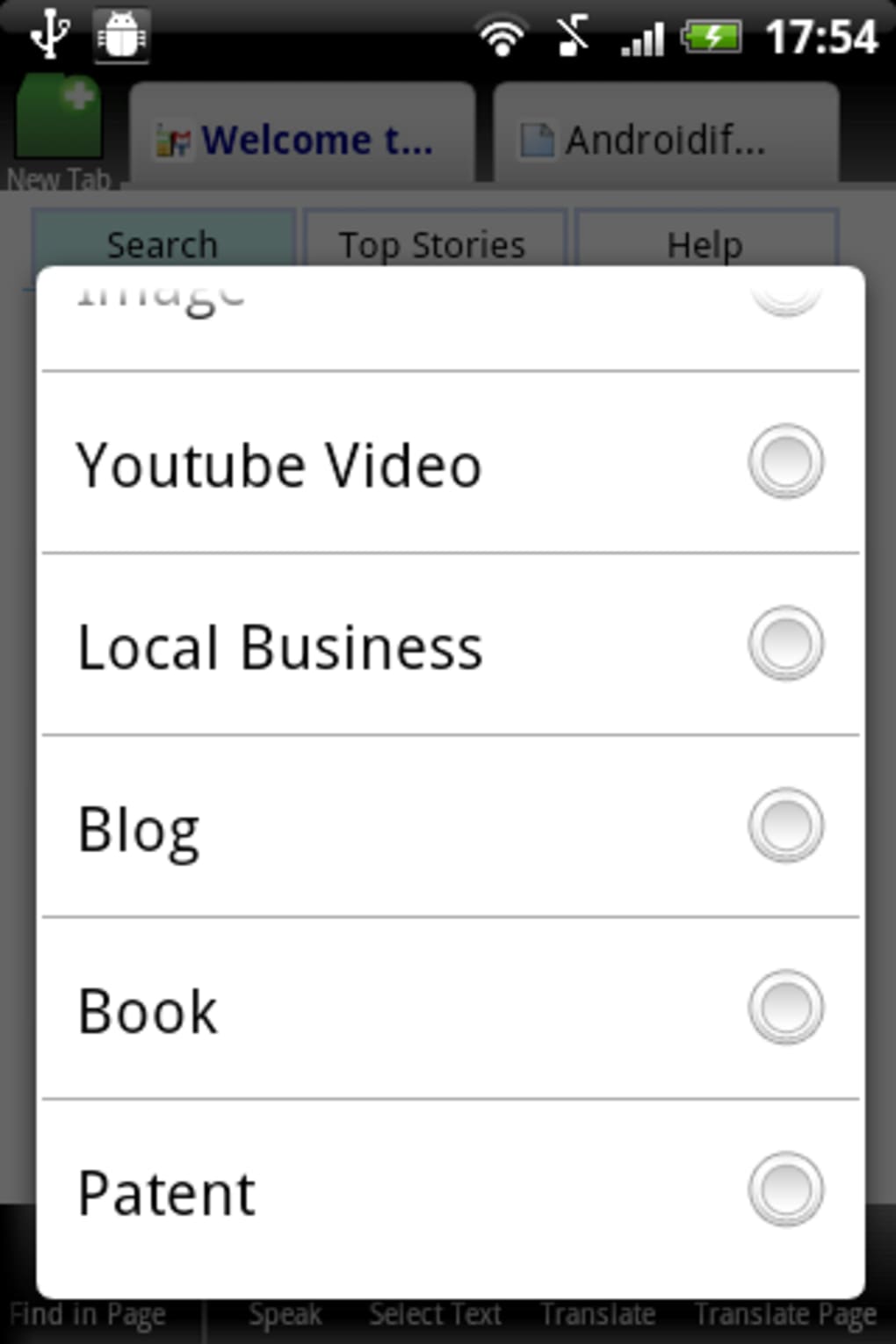
- Voice Search & Speech-to-Text: Enables hands-free navigation and content input through voice commands, useful for users with accessibility needs or those driving.
- Password Manager: Securely stores and autofills login credentials across websites, reducing the need to remember multiple passwords.
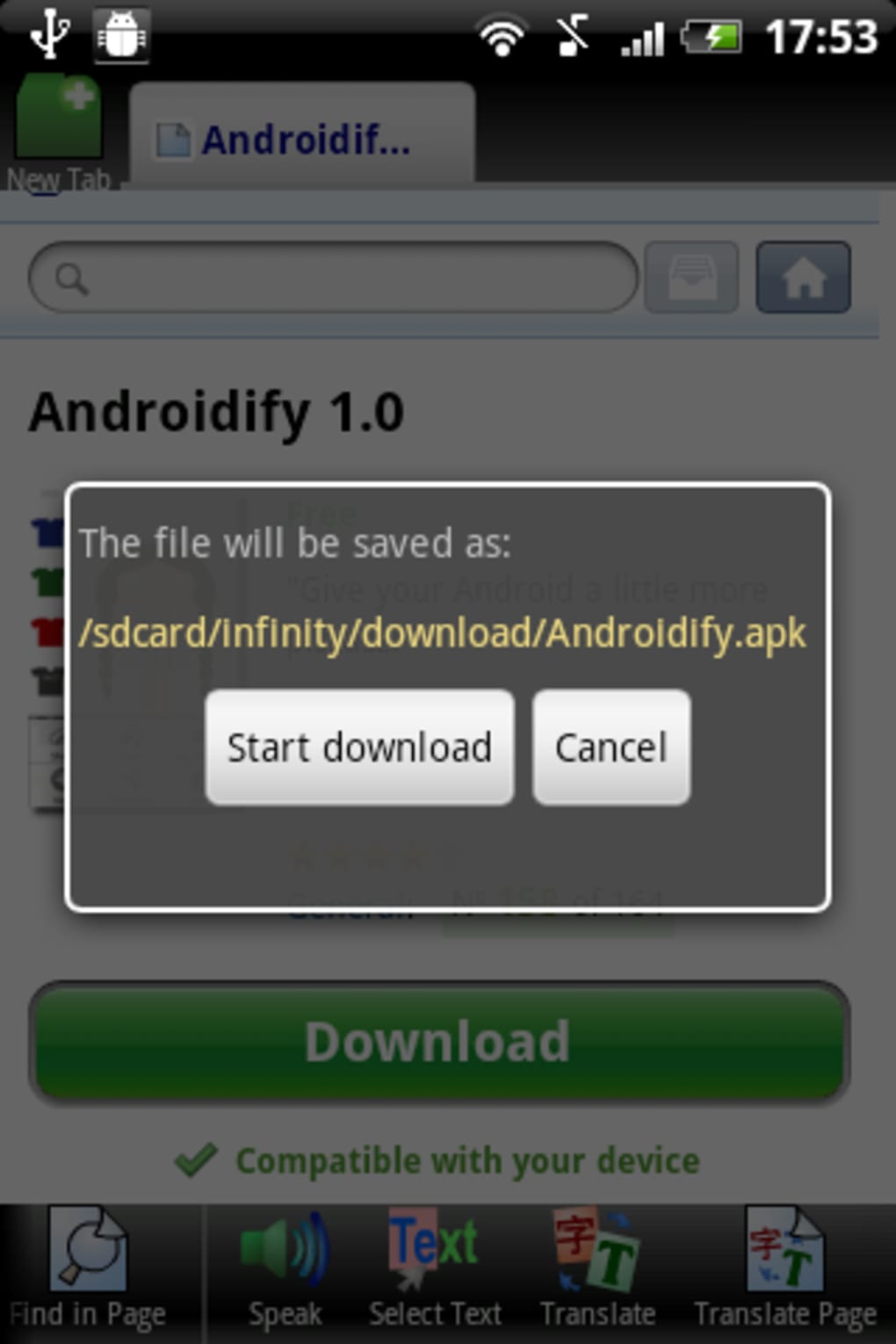
- Download Manager: Offers easy access to downloaded files with a dedicated interface, streamlining file retrieval and organization.
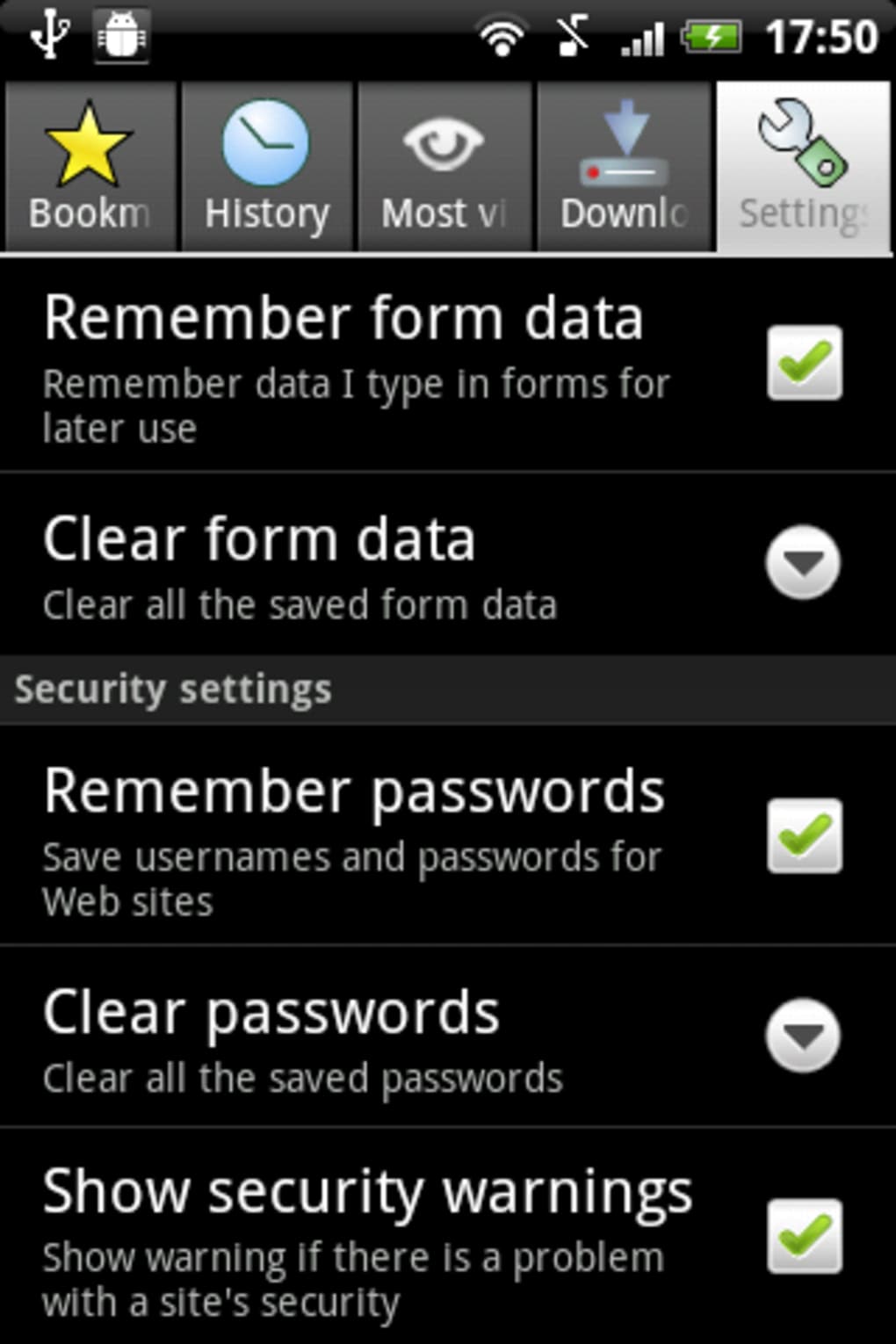
- Security Settings: Provides configurable options for form data, saved passwords, and other privacy-related controls to help maintain user security.
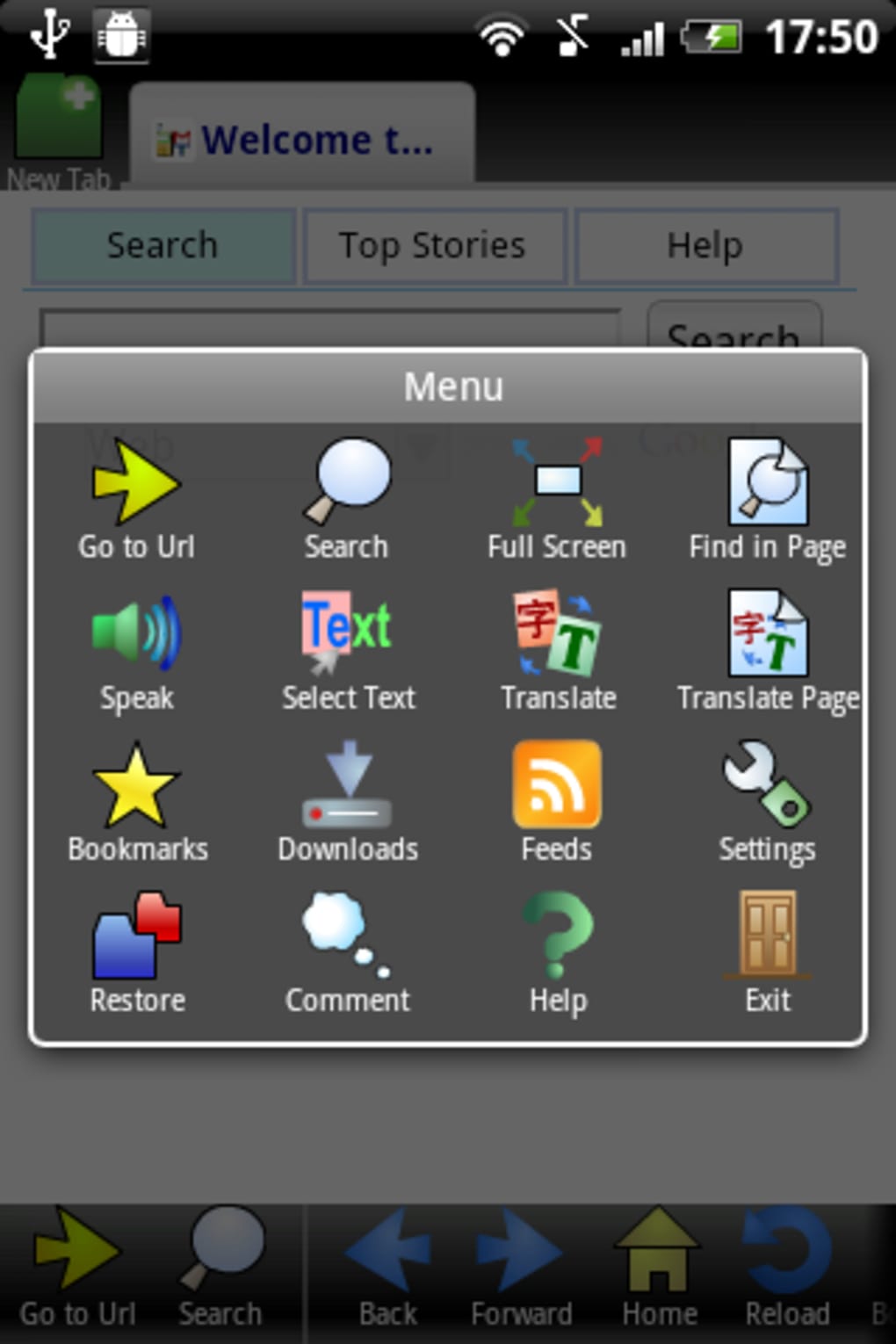
- Quick-Access Navigation: Bottom-screen icons allow instant access to back, forward, reload, and advanced features via swipe gestures, enhancing usability.
These features are intended to improve workflow efficiency and user convenience. For example, a user reading a foreign-language article can enable translation with one tap, while a traveler can use voice search to find local services. The download manager helps users save articles, images, or media for offline viewing. However, video playback performance remains a notable limitation despite claims of MP3/MP4 and YouTube support.
User Interface, Workflow & Performance
The user interface of Infinity Web Browser is described as clean and clear, with a minimalist design that prioritizes accessibility. Navigation is streamlined through bottom-aligned quick-access icons, which include standard functions like back, forward, and reload. A swipe gesture to the right reveals advanced tools, improving workflow efficiency without cluttering the main screen.
Workflow efficiency is enhanced by the centralized menu, which provides immediate access to bookmarks, downloads, and full-screen mode. The browser’s performance was reported as smooth and fast during testing, with minimal lag during page loading and navigation. However, the visual design was noted to appear somewhat childish, and the interface did not adapt well to horizontal screen orientation, potentially affecting usability on tablets or landscape-mode use.
Performance observations are based on general software behavior patterns. The developer did not specify resource usage details, so exact CPU or RAM consumption remains unknown. Stability during extended use was not reported, and no information was provided about background processes or battery impact. Users should expect standard mobile browser behavior in terms of system resource management unless otherwise indicated.
Compatibility & System Requirements
Infinity Web Browser is designed for Android devices, though specific operating system versions were not listed. The software is distributed as an APK file, indicating it is intended for direct installation on Android smartphones and tablets. The installation size was not provided, so exact disk space requirements remain unknown.
Compatibility information was partially provided. While the browser supports features like tabbed browsing, voice search, and multi-language translation, no details were given about minimum hardware specifications, such as processor speed, RAM, or GPU requirements. The developer did not specify whether the app is optimized for low-end or high-end devices.
Exact system requirements were not listed. Users are advised to ensure their Android device supports APK installations and has sufficient storage space. The lack of detailed compatibility data may affect user confidence, particularly for those with older or less common devices.
Pros and Cons
Pros
- Fast and smooth browsing performance
- Integrated multi-language translation via Google Translate
- Supports tabbed browsing for multitasking
- Built-in password manager and secure settings
- Easy-to-use download manager
- Voice search and speech-to-text functionality
- Intuitive bottom navigation with swipe access
Cons
- Video playback performance is inconsistent, despite claimed support
- Interface appears somewhat childish and may not appeal to all users
- Poor adaptation to horizontal screen orientation
- Missing detailed system requirements and resource usage data
- APK distribution may raise security concerns for cautious users
FAQ Section
Is Infinity Web Browser compatible with all Android devices?
Infinity Web Browser is designed for Android, but specific compatibility details such as minimum OS version or hardware requirements were not provided. Users should ensure their device supports APK installation and has sufficient storage space.
Is the browser secure for online activities?
The browser includes security settings for form data and saved passwords, and it leverages Google Translate for language features. However, no independent security audits or certifications were mentioned. Users should exercise caution when entering sensitive information.
How do I update Infinity Web Browser?
Updates are likely available through the APK file distribution channel. Users should check the official source for the latest version and download it manually to ensure they have the most recent release.
Does Infinity Web Browser require an internet connection?
Yes, most features—including browsing, translation, voice search, and downloads—require an active internet connection. Offline functionality is limited to cached content and saved files.
Can I use Infinity Web Browser without creating an account?
Yes, the browser can be used without creating an account. Features like password management and downloads function locally on the device, without requiring user registration.
Final Thoughts + CTA
Infinity Web Browser delivers a compelling mix of speed, language support, and essential tools in a clean interface. Its strengths in multi-language translation, tabbed browsing, and secure password management make it a solid choice for users seeking a lightweight Android browser. However, the inconsistent video playback and limited UI adaptability are notable drawbacks that may deter some users.
While the browser excels in core navigation and productivity features, its performance limitations in media handling prevent it from being a top-tier contender. Still, for users prioritizing speed, language accessibility, and ease of use, Infinity Web Browser remains a viable option.
Download Infinity Web Browser now
Guides & Tutorials for Infinity Web Browser APK
How to install Infinity Web Browser APK
- Click the Preview / Download button above.
- Once redirected, accept the terms and click Install.
- Wait for the Infinity Web Browser APK download to finish on your device.
How to use Infinity Web Browser APK
This software is primarily used for its core features described above. Open the app after installation to explore its capabilities.
User Reviews for Infinity Web Browser APK 0
No reviews found





